
Fill last-minute appointments
Post today’s open appointments, tables, classes, or service times on social media so nearby customers can book before the day ends.
Turn local demand, competitor activity, and timely moments into original content your team can review, schedule, and learn from—across one location or many.
Local social media management software with AI-assisted creation and human approval.
Local businesses do not need another empty content box. They need to know when there is a real reason to post—and how to turn it into content customers understand.
LocalCMO connects that reason to industry examples, an original content plan, human approval, and the right location or profile.
From filling tonight’s calendar to launching something new, start with the business moment—not a generic content prompt.
Post today’s open appointments, tables, classes, or service times on social media so nearby customers can book before the day ends.
Use social media to introduce a new product, service, menu item, team member, or location—and tell local customers why it matters.
Stay visible with simple daily social media content: behind-the-scenes updates, helpful tips, FAQs, team moments, and customer favorites.
Create local promotion posts for seasonal services, limited-time offers, events, bundles, and open slots before the opportunity passes.
Create timely local social media posts around neighborhood events, holidays, weather, or community conversations that fit your business.
Turn customer reviews, common questions, approved results, and team stories into credible social proof content for your local business.
See which accounts are worth watching, what videos people are interested in now, and how to create a clear version for your own business.
Local Buzz finds recent videos from businesses like yours. It shows what each video is about, why people are watching it, and whether the idea makes sense for your location.
Illustrative product view—not customer performance data.
LocalCMO breaks a useful video into a simple filming plan: what to show first, which shots to record, what to say, and how to end. Then it creates a version that fits your business.
Illustrative product view—not customer performance data.
See national and local accounts worth watching in your category. Learn what they post most often, which video styles they repeat, and what your business can do differently.
Illustrative product view—not customer performance data.
The social media approval workflow shows the complete caption, image, hashtags, location, and channels before anything is published. Make edits or send the approved post to every selected platform.
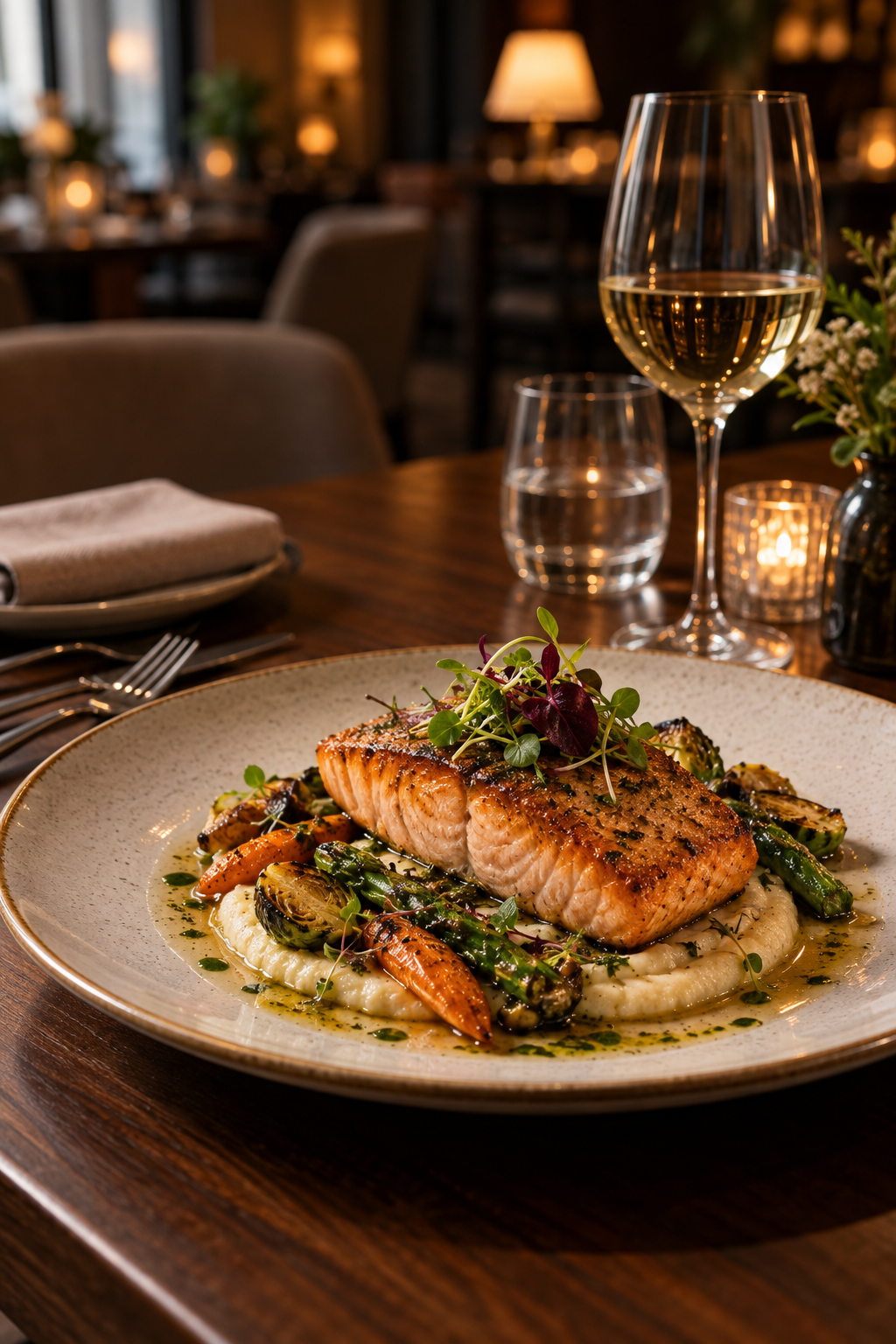
Still deciding where to eat? Join us downtown and enjoy a free glass of wine with any main course. Reserve your table before 8 PM.
Use local context at the scale your team actually manages.
Find timely ideas for a restaurant, salon, clinic, home-service company, or other local business—then move from idea to approved draft without starting from scratch.
Give each location relevant options while central teams retain approval, brand standards, and visibility across the content calendar.
Research local opportunities, prepare client-specific drafts, collect approvals, and organize schedules from a repeatable workflow.
Social media analytics for local businesses should separate platform engagement, tagged actions, time-correlated changes, and unknown offline activity. LocalCMO keeps those evidence levels distinct.
Explore AI social media reporting →Practical answers for local businesses, multi-location teams, and agencies evaluating an AI-assisted social workflow.
Local social media management software helps businesses research, create, review, organize, and measure content for specific locations. LocalCMO adds local market and competitor context before content is drafted, so planning starts with a relevant opportunity rather than a generic prompt.
A local business needs content tied to its neighborhood, services, seasonal demand, and nearby competition. The workflow should preserve those differences instead of sending the same generic post to every profile.
LocalCMO is designed around location-level context and centralized review. Teams can prepare locally relevant ideas while maintaining shared brand standards and human approval across locations.
LocalCMO can turn a selected local opportunity into an original draft. The generated version is intended for review and editing before it is approved for use.
Yes. Google Business Profile posts can be part of the content planning workflow alongside other connected social profiles, subject to each platform’s permissions and publishing requirements.
LocalCMO organizes visible examples and themes from relevant businesses so a team can understand common formats, customer interests, and content gaps. It does not require copying competitor posts.
Yes. Drafts can be reviewed for brand voice, claims, creative, location, channel, and timing before they move into an approved schedule. Human sign-off remains part of the workflow.
Teams can monitor visible platform signals and tagged actions such as engagement, clicks, calls, or direction requests where data is available. These signals should not be treated as proof of store visits or revenue unless direct attribution exists.
Bring local research, original content, human approval, and visible-signal rechecks into one social media workflow.